
Opening, closing, and the audit.
The daily checks that put the standard into the shift, with proof they got it done.
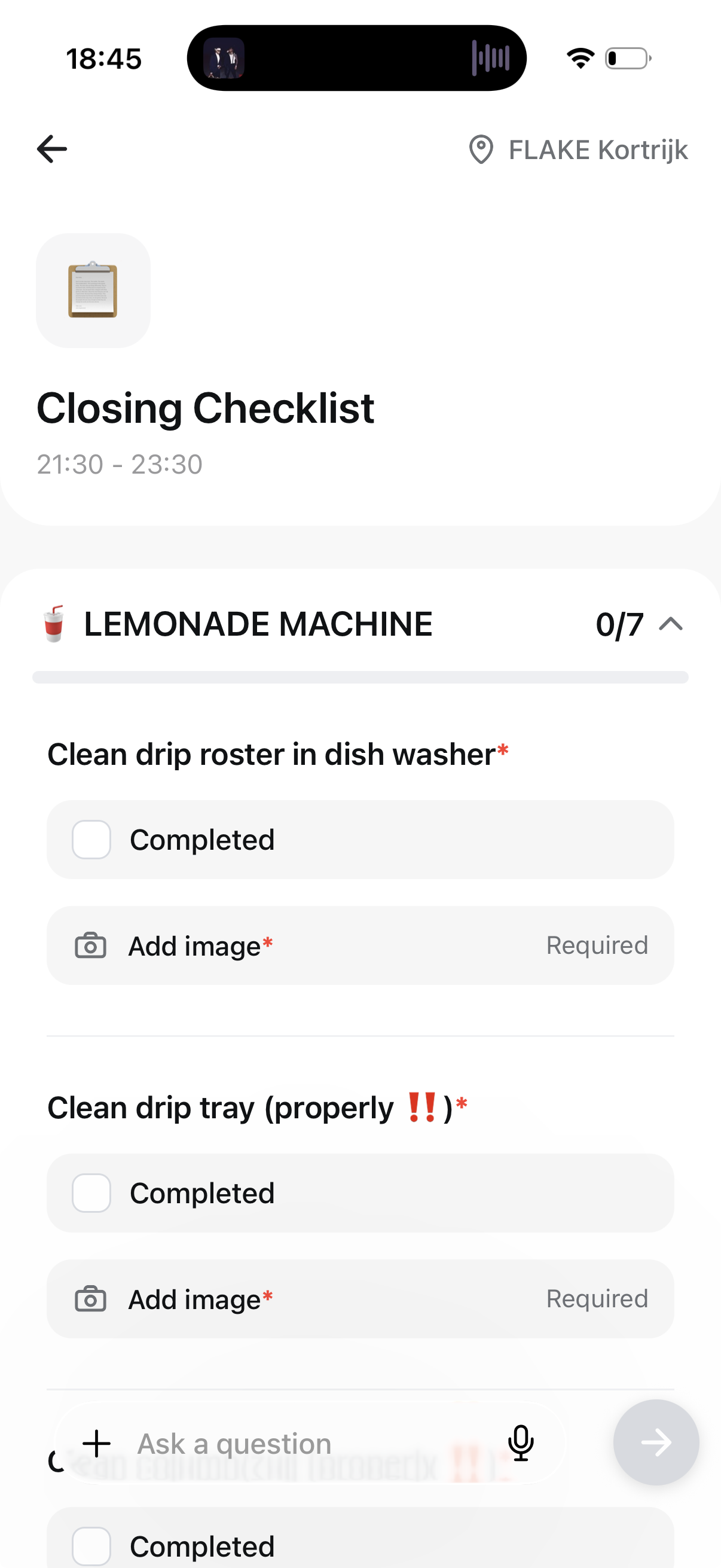
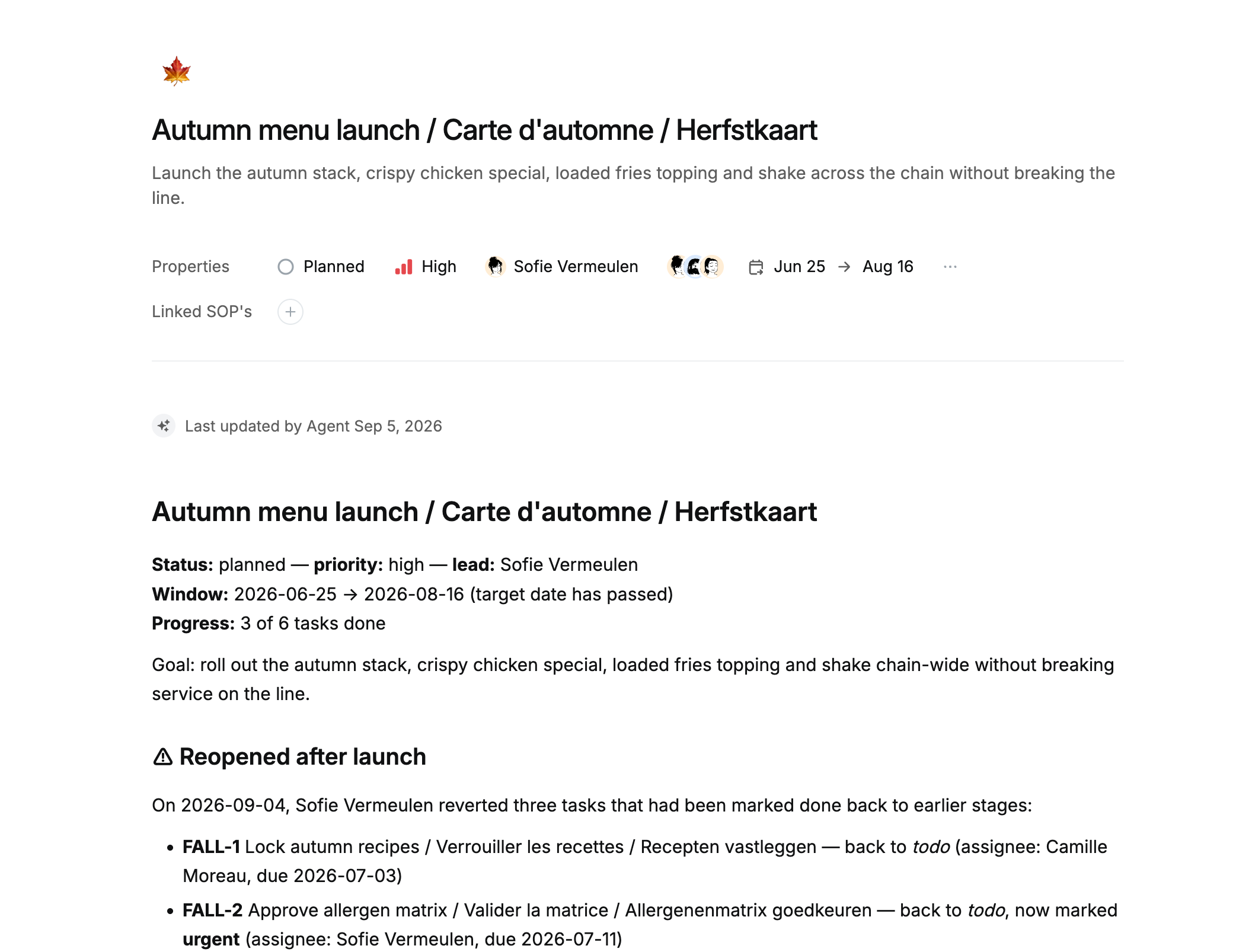
From the list to the proof it happened.
Write the list once
Opening, closing, temperature logs. Built from your procedures, scheduled per location, down to the time of day.
It shows up on the right shift
Whoever is rostered at that location sees that day’s checks on their phone. Nothing to hand out, nothing to laminate.
Done on the floor, with proof
A tick, a temperature, a photo. Captured where the work happens, timestamped, not signed off from the office.
Kimchi looks at the photo
Write what good looks like once: every tray full to the front, cards in place. Kimchi reads each counter photo against that. A tray down to the last few is flagged with the reason, and the manager hears about it in a minute.
Every location at a glance
Who ran their checks, who skipped, and what was flagged, across the whole estate on one screen. You read the two exceptions instead of four hundred photos.
Why the checklists hold up.
On the shift, not in a binder.
The list arrives on the phone of whoever is rostered that day.
Proof, not a signature.
A photo and a reading taken where the work happened, with the time on it.
Read before anyone has to look.
A reading out of range or a photo that does not match is flagged with the reason why, so a manager reads the exceptions rather than the pile.
Ready for the audit.
Months of evidence already gathered, per location, without anyone chasing it.